DebugMode
DebugMode
PublicArtExplorer offers a debug functionality which allows to display detailed status messages to support troubleshooting in cases where there is no crashlog available.
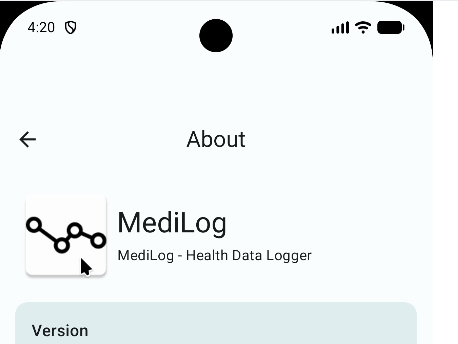
Enable (and disable) debug mode by clicking 5 times on the PublicArtExplorer logo in the about dialog:
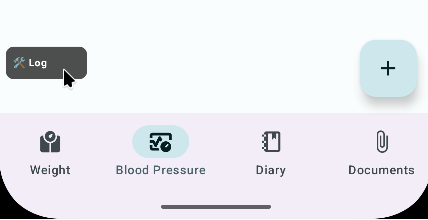
After that, a little “log” overlay window will appear in your tab windows:
Click on the log overlay to enlarge it or drag it around as you see fit:
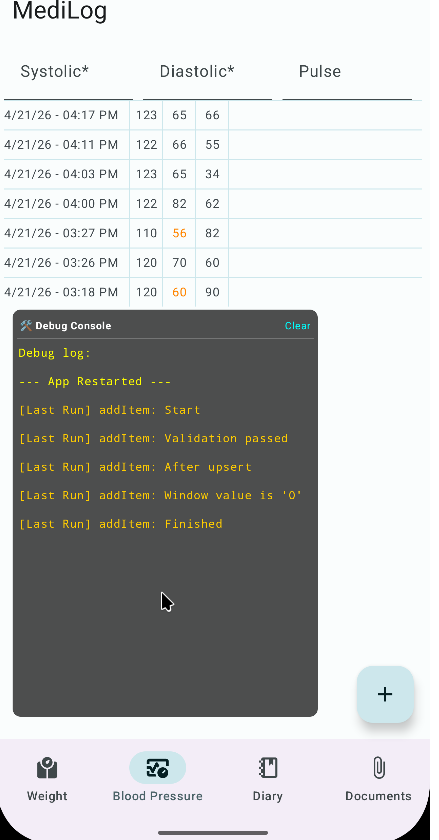
All log messages will appear inside the overlay and will be stored in a text file local to PublicArtExplorer and show during next launch to survice potential fatal crashes. The log file will be emptied as soon as debugging is turned off again.
